Rejected isn't the end.
If a decision feels wrong, add context to the same photo and ask for another look, up to three times. Reasons come first, always.
Proof-based screen time
Pryvo locks the apps that eat your day. Do something real, snap a fresh photo as proof, and get your time back only when that proof is accepted.
Accepted
Proof accepted.
30 minutes earned · Instagram
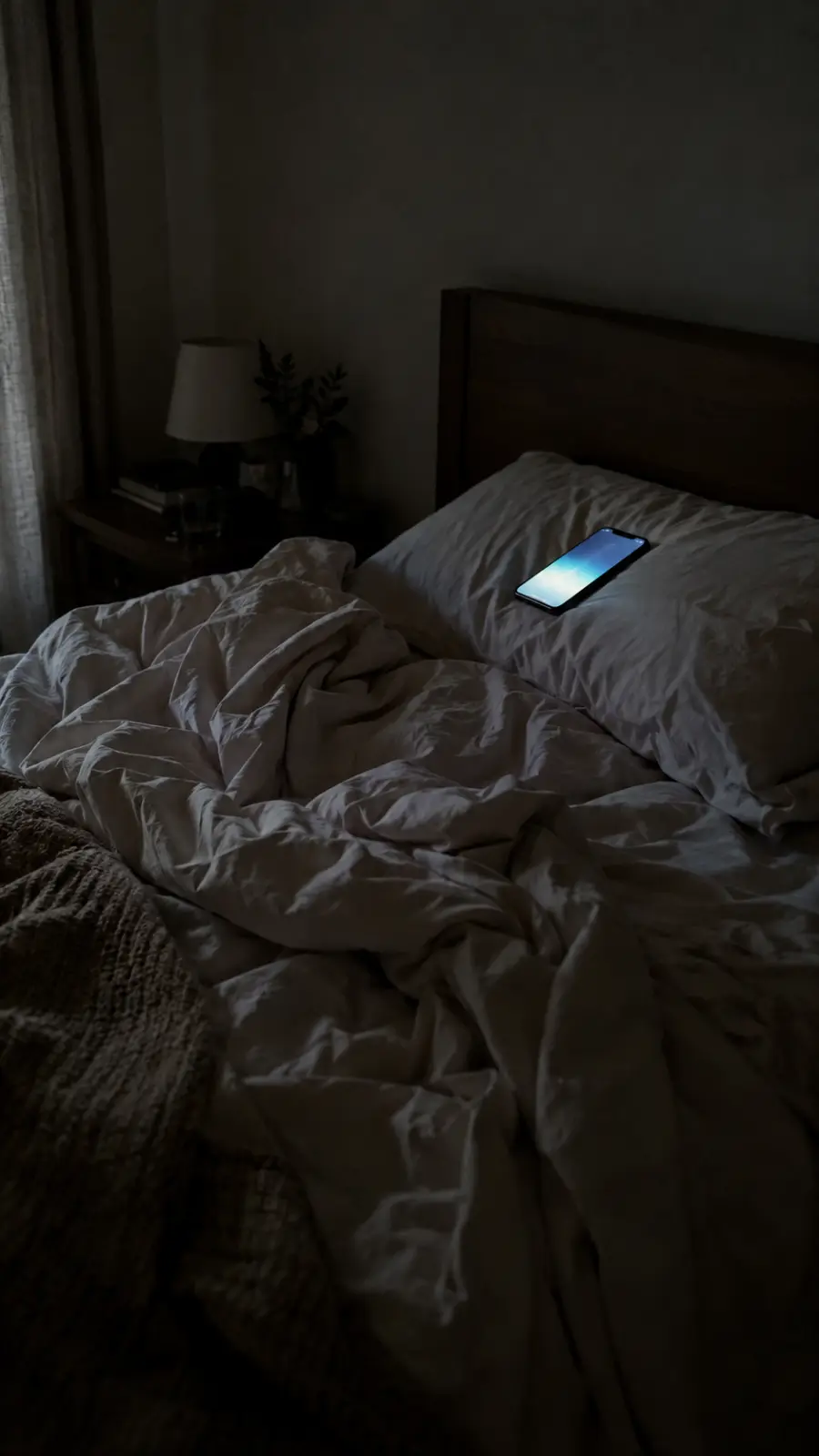
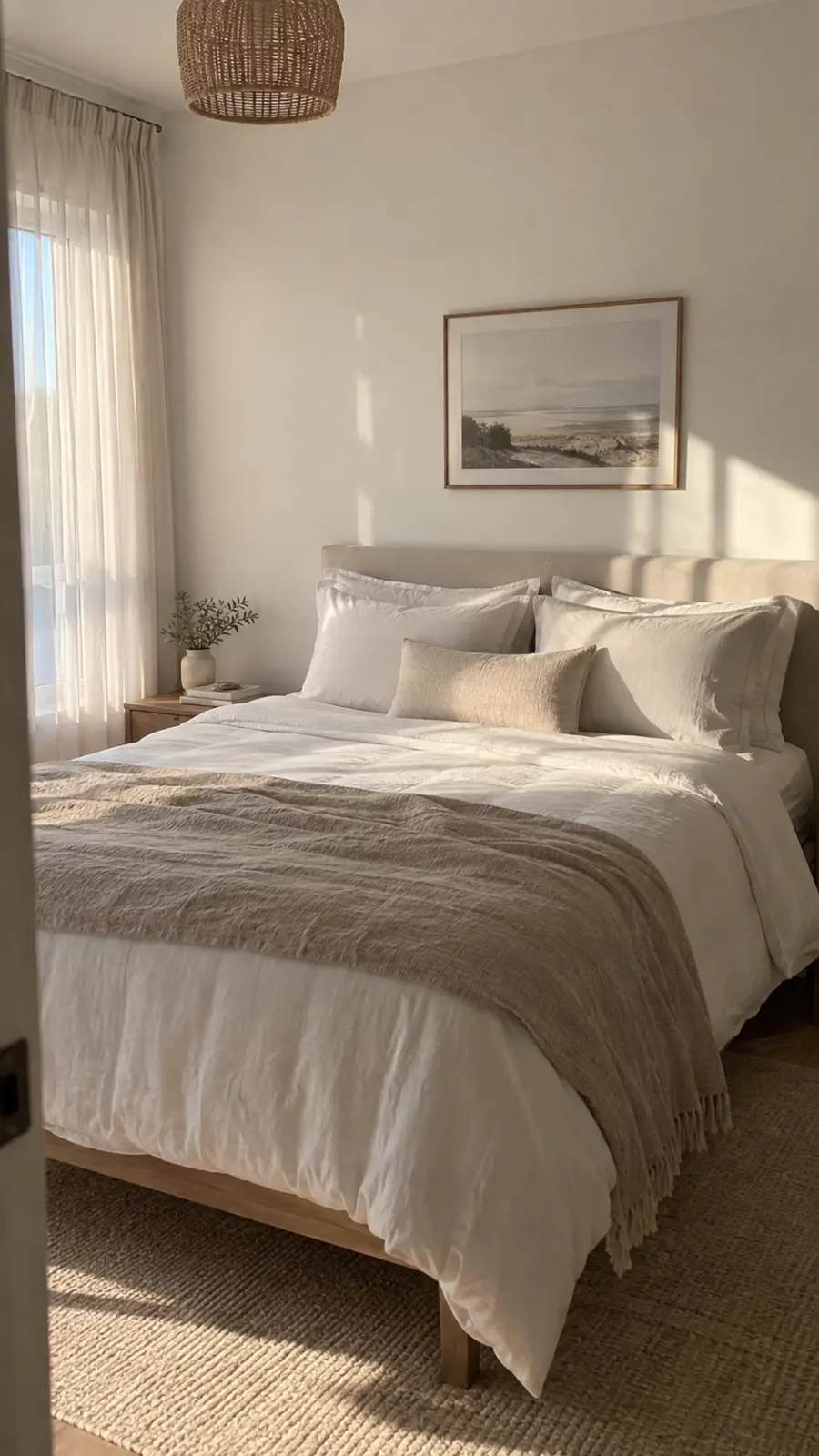
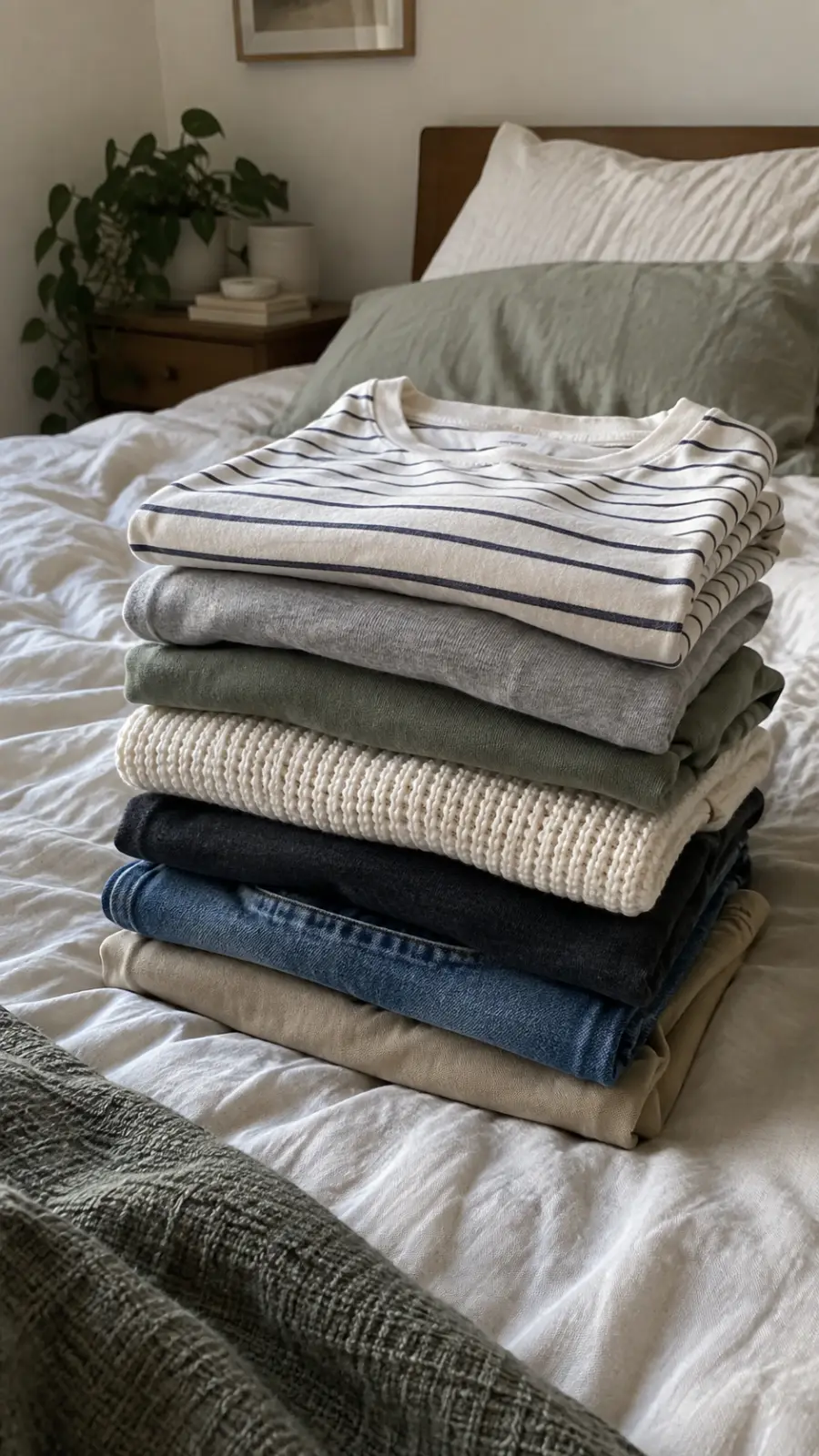
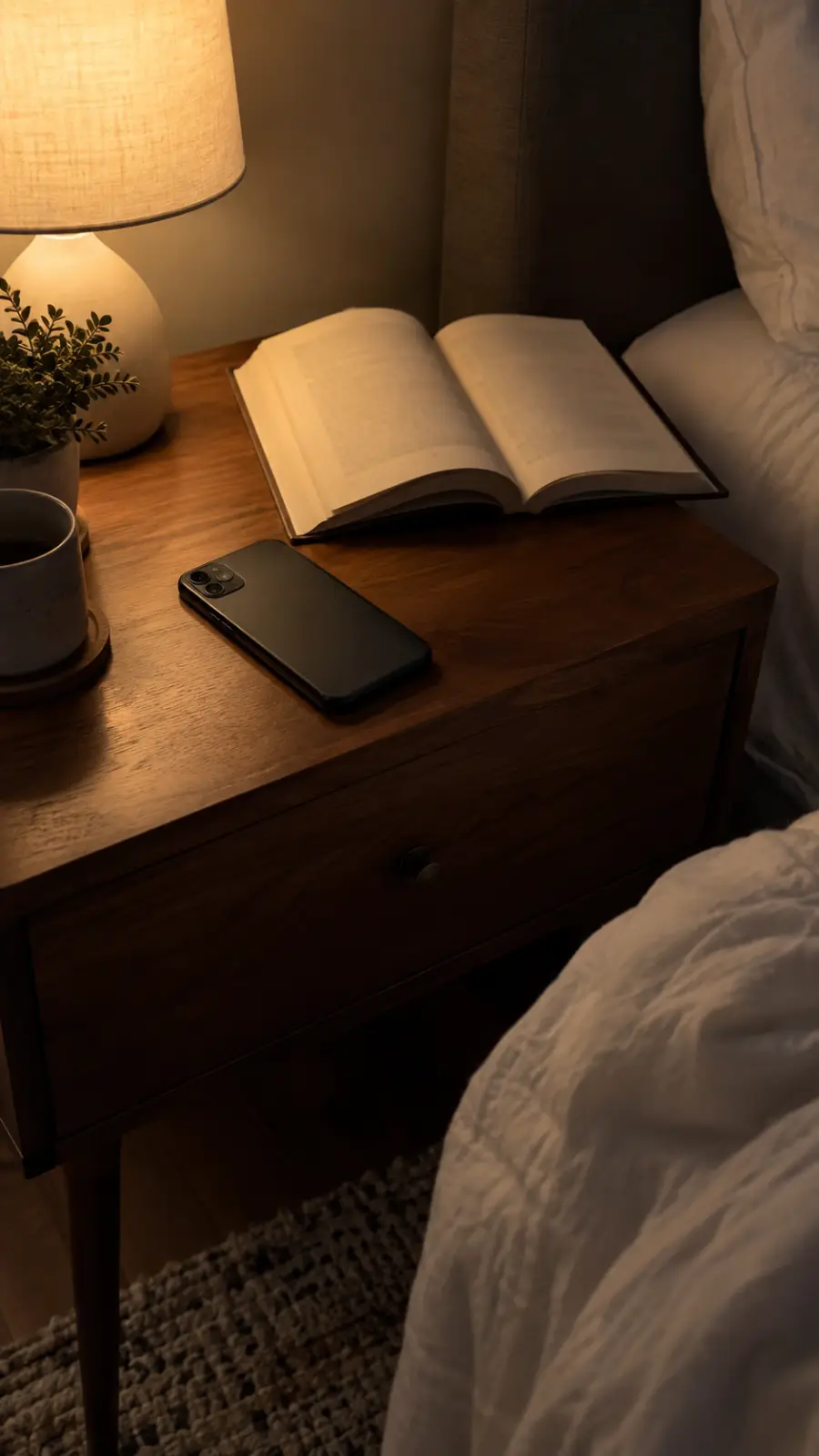
Standard: covers pulled flat, pillows at the headboard.
Willpower runs out. Timers get dismissed. Pryvo asks for one thing a scroll can't fake: a photo of the thing you actually did.
How it works
Choose the apps that pull you in and how much time a task should earn. They stay locked until you earn it.
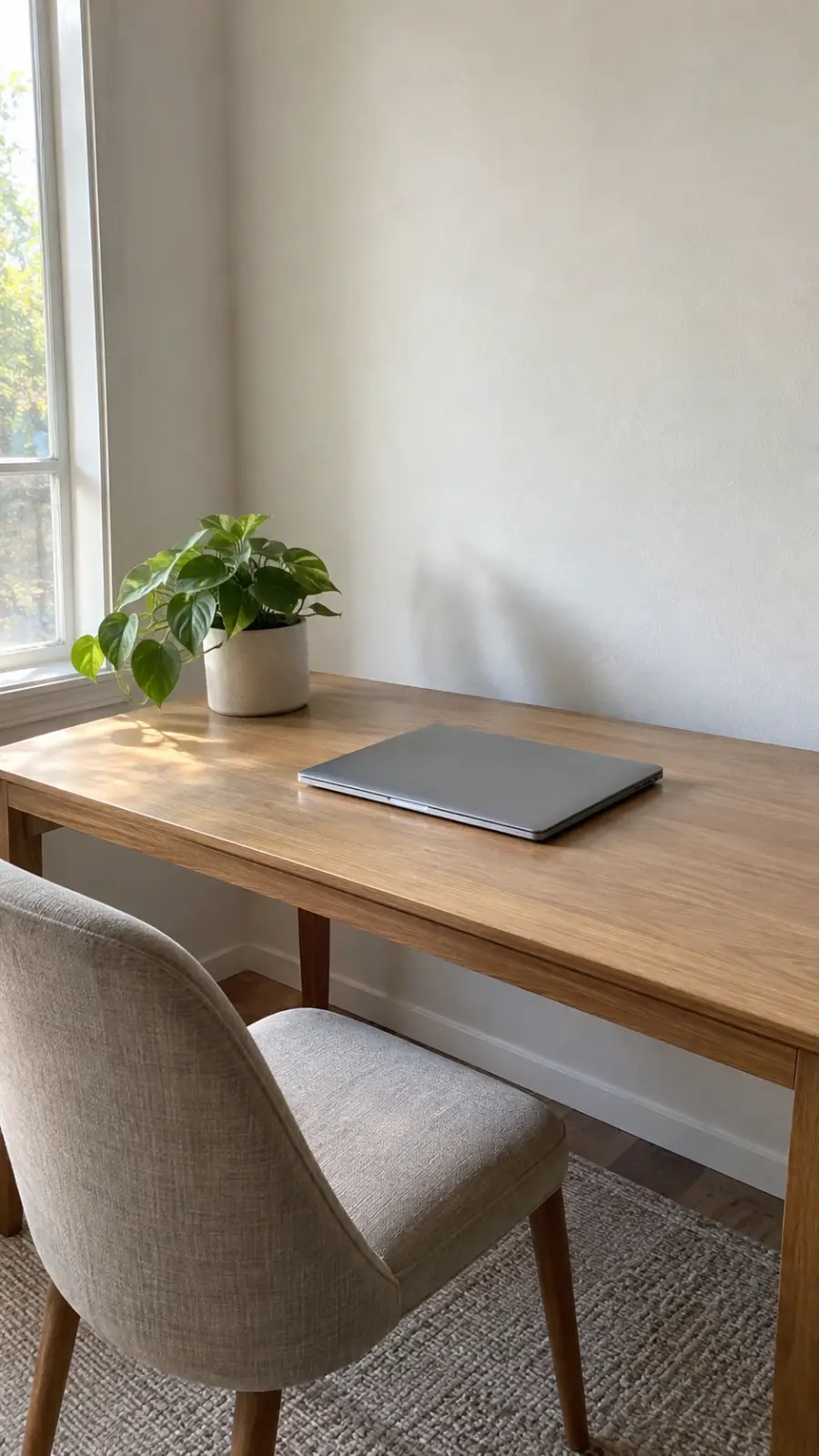
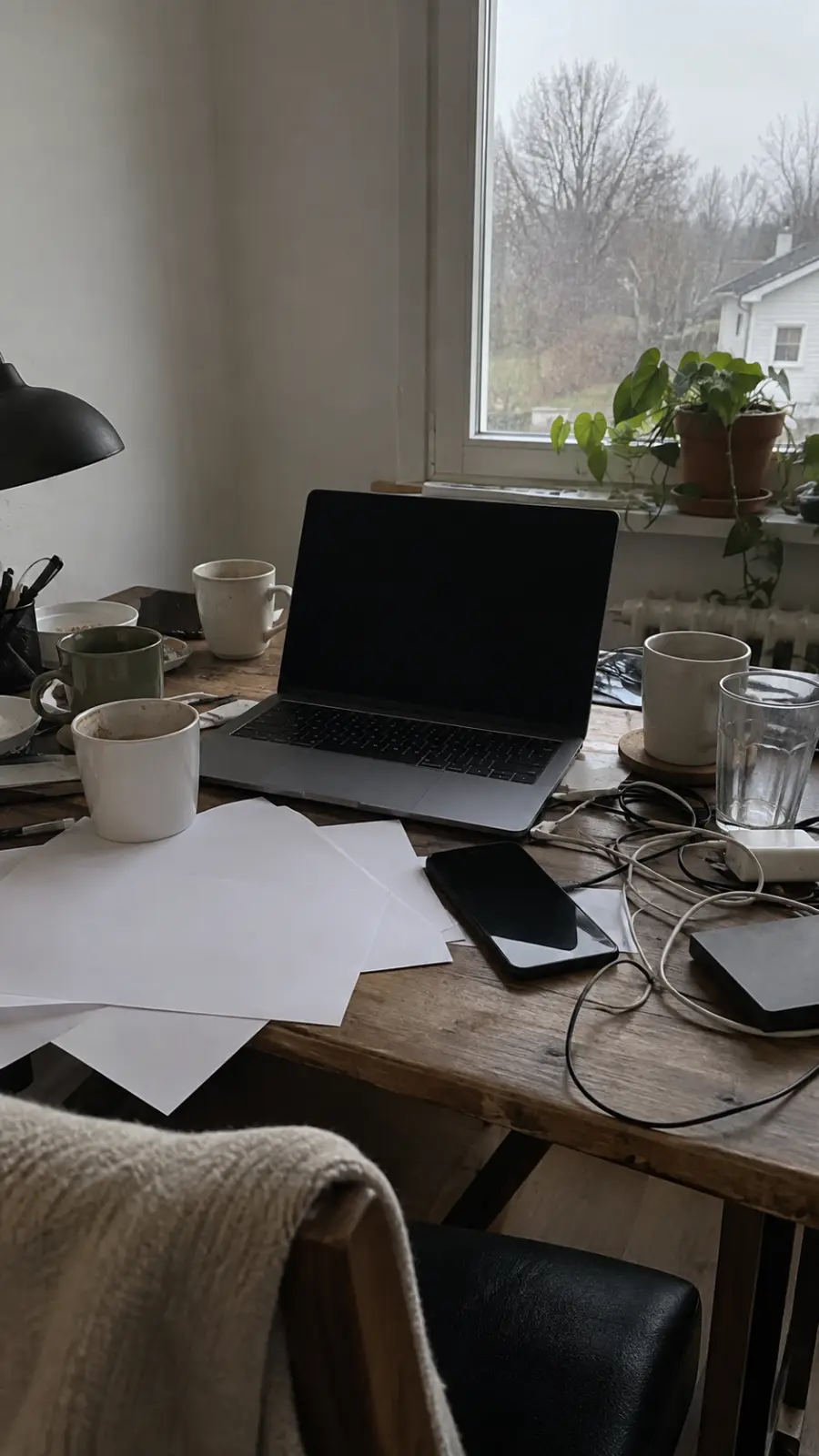
"Clear my desk." "Fold the laundry." Write what the photo must show, and Pryvo holds you to exactly that standard.
Proof is one fresh photo from the camera. No gallery uploads, no old pictures, no screenshots.
Accepted proof unlocks your time right away, and it only counts down while a chosen app is open. Rejected proof tells you why, so you can fix it or add context.
The standard
Pryvo is strict but fair: it checks the photo against the standard you wrote, and every decision tells you exactly what passed and what didn't. Drag to see the difference.
Inside the app
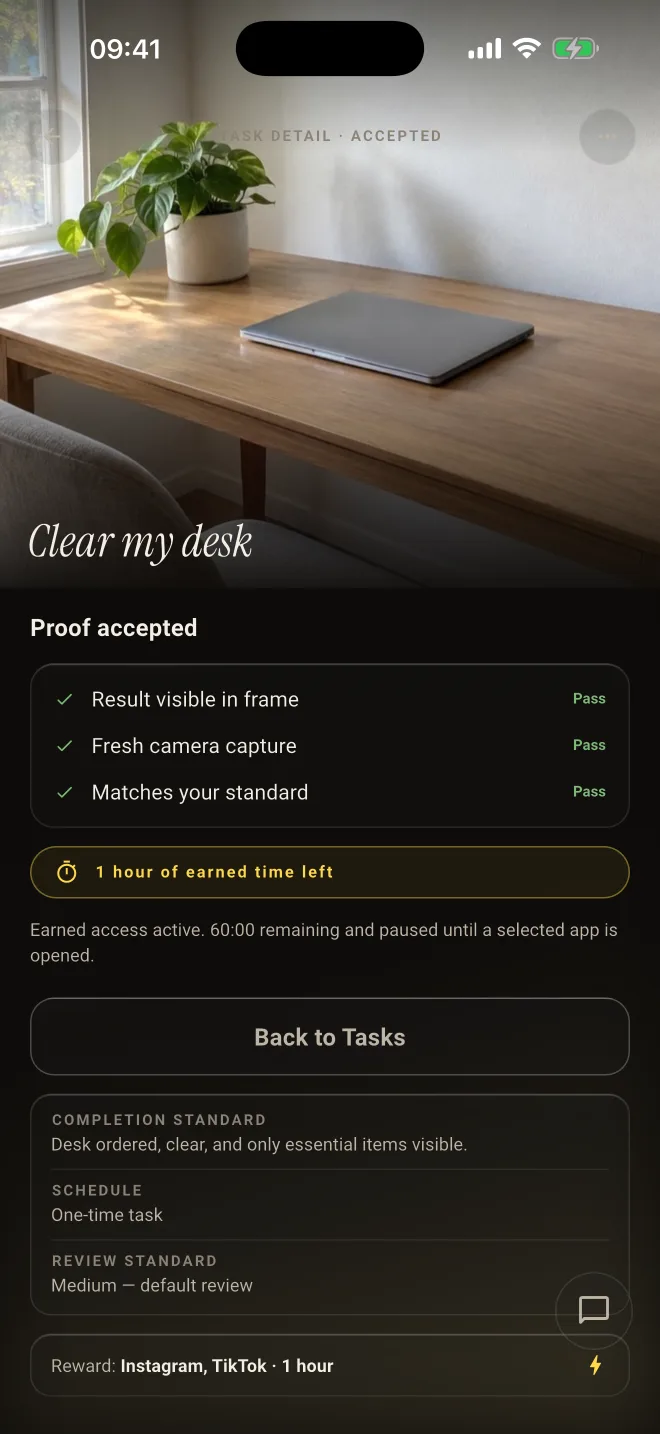
Is the result in frame? Is it a fresh capture? Does it match your standard? You see each answer.
Earned time is paused until you open one of the apps you chose, so you never lose it to the clock.
The standard, the schedule, and the reward are fixed when you create the task. No moving goalposts.
What we promise
If a decision feels wrong, add context to the same photo and ask for another look, up to three times. Reasons come first, always.
Proof is taken in the moment. Old photos and screenshots can't stand in for the real thing.
You choose exactly which apps are locked and how long a task earns. Nothing else on your phone is touched.
Proof photos are stored privately, never used for ads or facial recognition, and deleted automatically within days.
You set it up and stay in charge. Device controls are voluntary and can be switched off. Pryvo just makes the easy way out less easy.
Questions
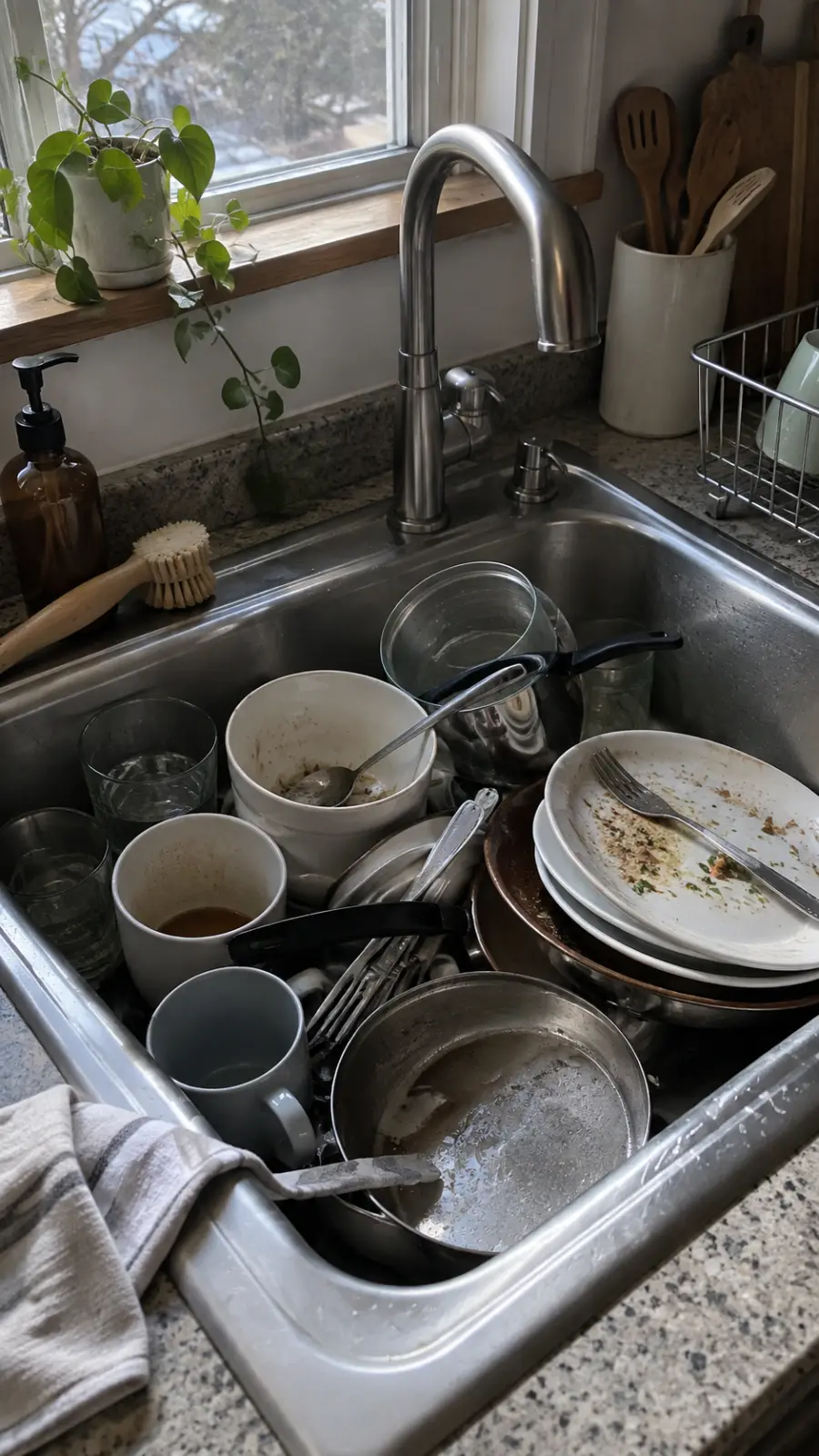
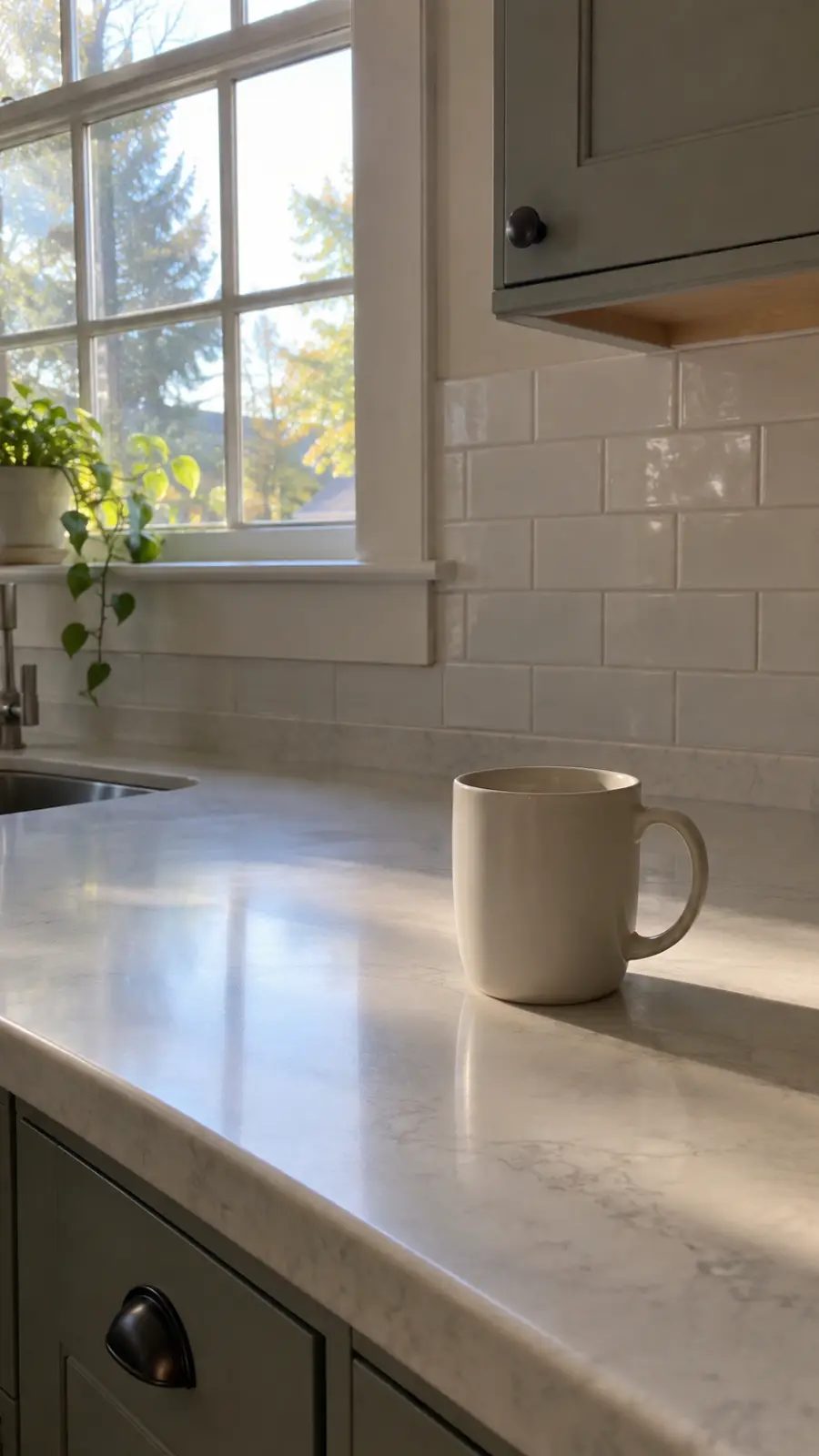
One fresh photo, taken in the app's camera, that clearly shows the finished task. Pick tasks a camera can see: a made bed, a clear sink, a packed bag, folded laundry.
An automated review compares your photo to the standard you wrote and gives a decision with reasons. It can be wrong, which is why you can add context to the same photo and ask it to reconsider.
The time you attached to the task turns on by itself. It only counts down while one of your chosen apps is open, and the apps lock again when it runs out.
Yes. Pryvo uses Screen Time on iPhone and Accessibility on Android to lock the apps you choose, and it always asks before turning either on.
Yes, the full loop works on the free plan. Premium adds more apps per task, longer rewards, stricter review standards, routines, review voices, and a weekly report.

Your apps will still be there. Do the thing first.